
AI Video Production: A Step-by-Step Guide to Getting Started
Artificial Intelligence is revolutionizing the world of video production, making it more accessible and efficient. Whether you're a seasoned videographer or a complete beginner, AI tools can help streamline your workflow and enhance the quality of your projects. In this guide, we will explore how to get started with AI video production.
Understanding AI in Video Production
AI technology can automate various aspects of video production, from editing to special effects. By leveraging machine learning algorithms, AI tools can analyze footage, recognize patterns, and make informed decisions to improve video content. This results in faster production times and reduced costs.
Choosing the Right AI Tools
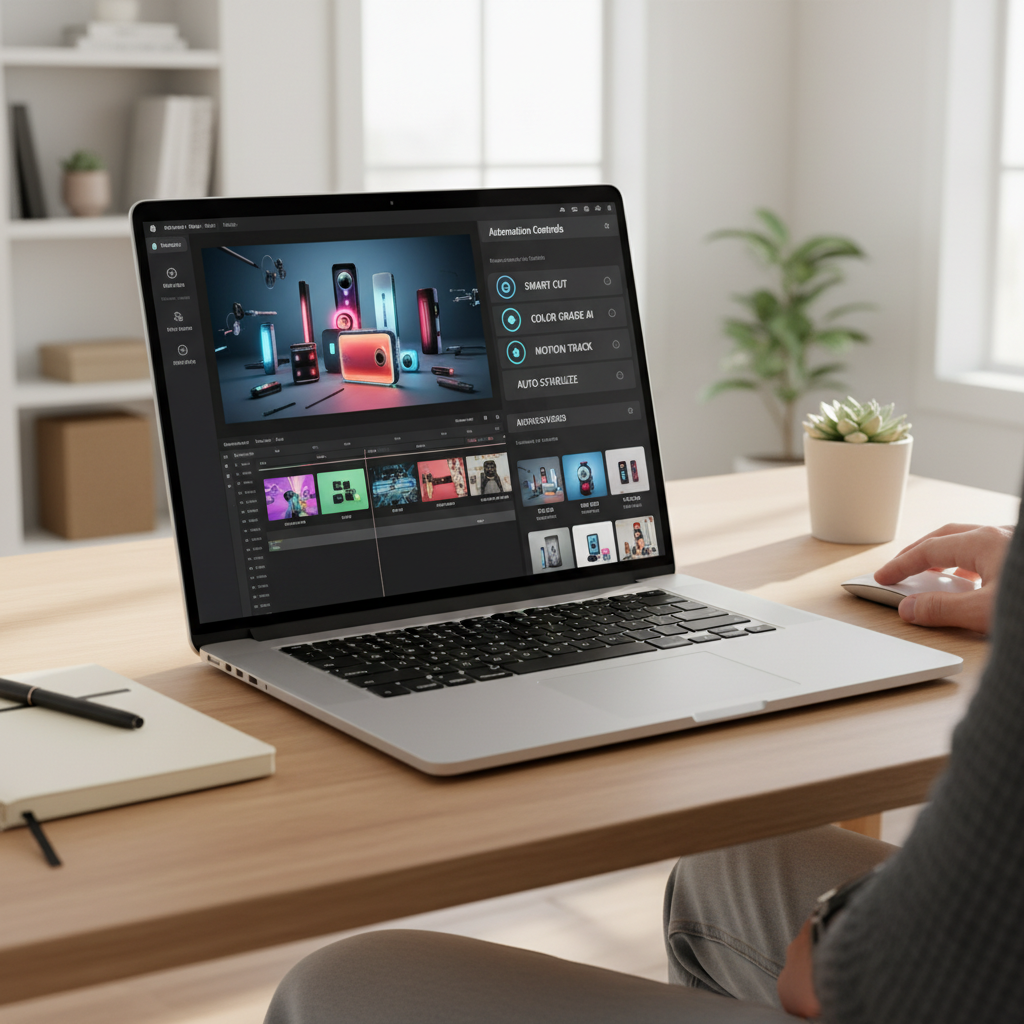
Selecting the appropriate AI tools is crucial for successful video production. Some popular options include:
- Video Editing Software: Tools like Adobe Premiere Pro and Final Cut Pro have integrated AI features for editing.
- Automated Transcription: AI-driven transcription tools can quickly generate subtitles and captions.
- Visual Effects: Software such as Runway ML offers AI-generated visual effects and enhancements.
Setting Up Your Workspace
Before diving into production, ensure your workspace is ready. This includes having a reliable computer with sufficient processing power and storage. Additionally, ensure you have a stable internet connection for cloud-based AI tools.
Pre-Production Planning
Proper planning is essential for a smooth production process. Begin by outlining your video’s concept and script. AI tools can assist in scriptwriting by providing suggestions and generating dialogue based on your input. This saves time and enhances creativity.
Filming with AI Assistance
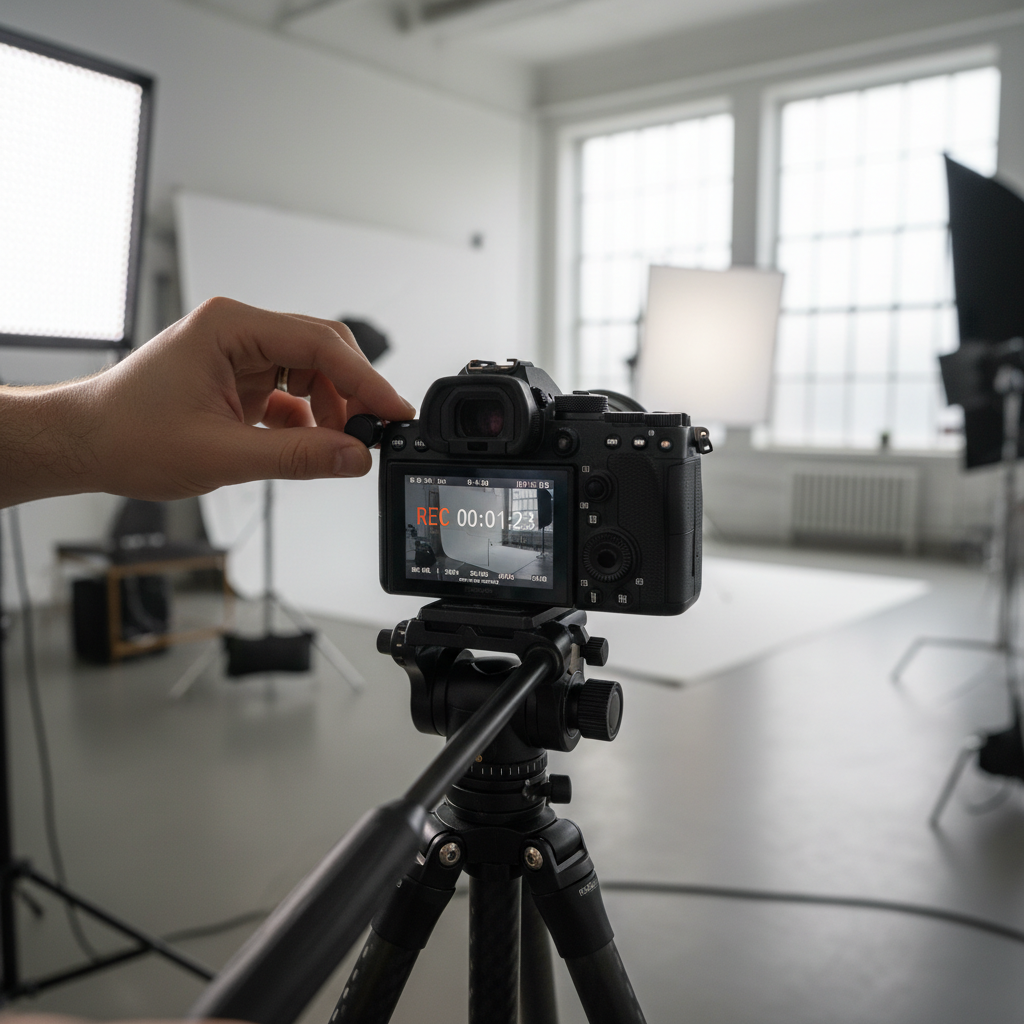
When it comes to filming, AI tools can aid in camera work by providing automated stabilization and shot suggestions. Some cameras come equipped with AI-driven features that adjust lighting and focus in real-time, ensuring high-quality footage.
Editing and Post-Production
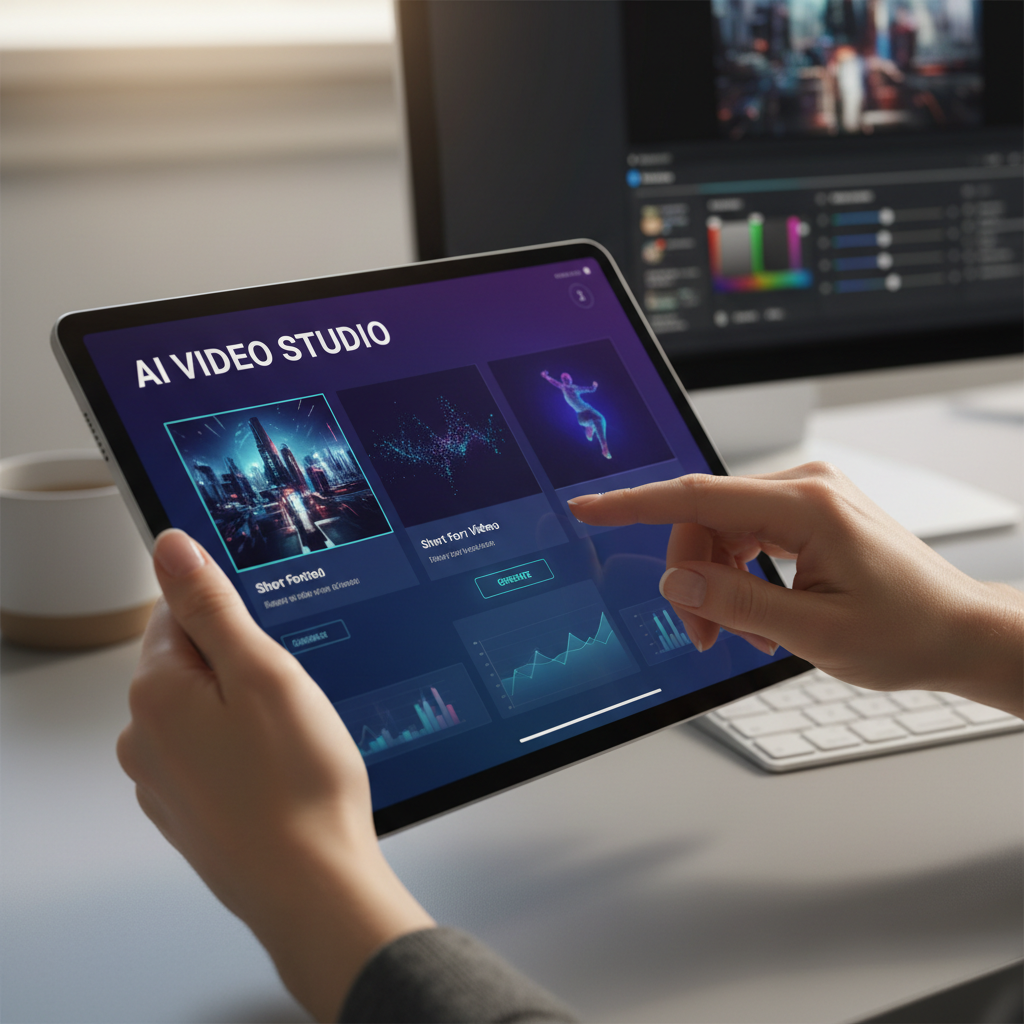
Editing is where AI truly shines. AI video editors can automatically cut footage, apply transitions, and even suggest music tracks. They analyze the content and make edits that align with the desired mood and pacing of the video.
Final Touches and Exporting
Once editing is complete, AI can assist in the final touches, such as color correction and sound enhancement. Exporting your video in different formats and resolutions is also streamlined, making it easy to share on various platforms.
In conclusion, AI video production offers numerous benefits, including efficiency, cost-effectiveness, and enhanced creativity. By following this guide and utilizing the right tools, you can create high-quality videos that captivate your audience.