DIY Video Editing: How to Integrate AI Tools for Stunning Results
Introduction to DIY Video Editing and AI
Video editing has become an essential skill in today's digital age, whether you're creating content for social media, personal projects, or professional presentations. The good news is that with the rise of AI tools, DIY video editing has never been easier or more accessible. By integrating AI into your editing process, you can achieve stunning results with less effort and time.
AI tools are designed to automate repetitive tasks, enhance video quality, and provide creative suggestions. This means you can focus on the creative aspects of your project while letting the AI handle the technicalities.
Choosing the Right AI Tools
Understanding Your Needs
Before you start integrating AI tools into your workflow, it's crucial to understand your specific needs. Are you looking to enhance video quality, automate editing tasks, or add special effects? Identifying your goals will help you select the right tools that cater to your requirements.
Popular AI Tools for Video Editing
There are several AI-powered video editing tools available, each offering unique features. Some popular options include:
- Adobe Premiere Pro: Offers AI-driven tools for color correction and audio enhancement.
- Magisto: Ideal for creating quick videos with its AI-powered editing and storytelling features.
- Filmora: Known for its easy-to-use interface and AI enhancements like motion tracking.

Integrating AI into Your Editing Workflow
Automating Repetitive Tasks
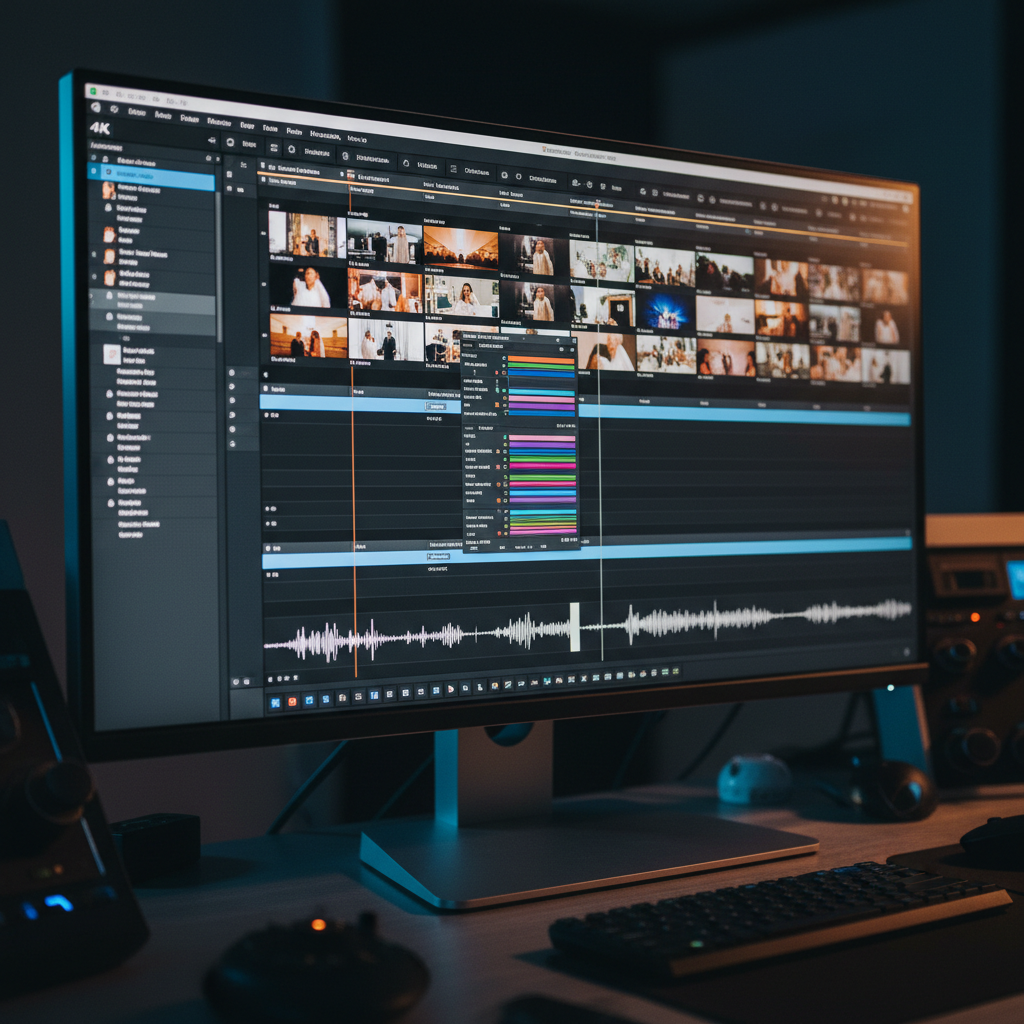
One of the key benefits of AI in video editing is the automation of repetitive tasks. AI can quickly sort through video clips, select the best ones, and even suggest edits. This allows you to save time and focus on the creative aspects of your project.
Enhancing Video Quality
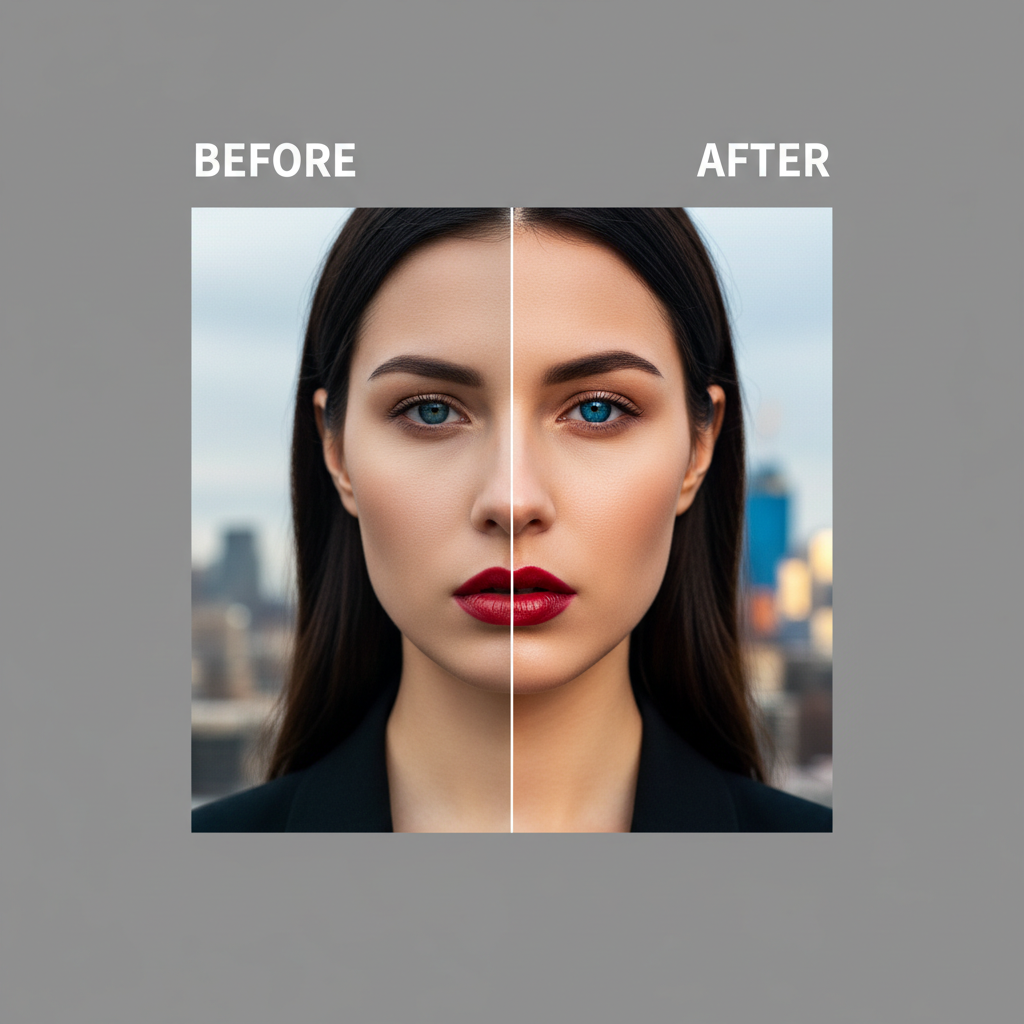
AI tools can significantly enhance video quality by automatically adjusting lighting, color balance, and sharpness. These tools analyze your footage and make real-time adjustments, ensuring that your videos look professional and polished.
Creative Applications of AI in Video Editing
Adding Special Effects
AI can help you add stunning special effects to your videos. From creating realistic animations to adding dynamic transitions, AI-powered tools can elevate the visual appeal of your content. Many tools offer a library of effects that can be easily applied to your videos.
Generating Captions and Subtitles
AI can also automate the generation of captions and subtitles, making your videos more accessible to a wider audience. This is particularly useful for social media platforms where silent playback is common. AI tools can transcribe your audio and sync the text with your video seamlessly.
Tips for Maximizing AI in Video Editing
To get the most out of AI tools in video editing, it's essential to keep experimenting and learning. Stay updated with the latest features and updates offered by AI tools. Join online communities and forums where you can share your experiences and learn from other creators.
Remember, while AI can enhance your editing process, your creative vision is the driving force behind every successful video. Use AI as a tool to amplify your creativity and achieve the results you desire.